How to Choose the Best AI Task Automation Tools for Invoice Processing
Your invoice process still eats hours of manual data entry, and the wrong automation tool will just move the bottleneck. Many platforms promise accuracy but deliver messy OCR and weak integrations. By the end of this guide, you'll have concrete criteria for evaluating core automation, data accuracy, and integration capabilities. You'll also get a clear #1 pick in Tasks.Bot, plus four alternatives, so you can match a tool to your team's actual workflow and make a confident decision today.
What to Look For in AI Invoice Processing Tools
When evaluating AI invoice processing tools, focus on core automation capabilities, integration flexibility, and data accuracy to ensure they meet your organization's operational needs. The right tool should reduce manual effort, minimize errors, and fit seamlessly into existing workflows. This section will guide you through the essential features to consider before making a decision.
Every accounts payable team faces the same challenge: too many invoices, too little time, and too much room for human error. AI automation tools address this by handling repetitive tasks like data entry, invoice capture, and document processing. However, not all tools deliver the same level of performance.
Before you commit to a solution, you need a clear picture of what matters most. Prioritize tools that reduce manual data entry, improve processing time, and lower the cost per invoice. Look for platforms that grow with your business and adapt to changing invoice volumes without requiring constant reconfiguration.
Core Automation Capabilities
Core automation capabilities include OCR for capturing data from various invoice formats, machine learning for continuous improvement, and intelligent document processing to handle both structured and unstructured data. Optical character recognition, or OCR, converts scanned paper invoices and PDFs into readable digital text. This is the foundation of any invoice processing system.
Machine learning takes things further by learning from each document it processes. Over time, the system recognizes new invoice layouts without manual programming. Template-free extraction means the tool handles any supplier format, not just the ones you pre-configure. This is especially valuable when you receive invoices from hundreds of different vendors.
Intelligent document processing combines OCR with natural language processing and deep learning to interpret complex documents. It identifies key fields like invoice numbers, dates, line items, and totals. Exception handling is another critical feature. When the system flags anomalies, such as missing purchase order numbers or unusual pricing, it routes them for human review instead of processing them automatically.
Validation rules ensure data integrity by checking extracted information against your business logic. Duplicate detection prevents double payments by comparing new invoices against existing records. Together, these features significantly reduce manual data entry and improve processing speed. For example, a tool that automatically flags duplicate invoices saves your team from costly mistakes.
Integration and Data Accuracy
Seamless integration with ERP and accounting software, coupled with high data accuracy rates, is critical for maintaining a smooth accounts payable process. The best AI invoice processing tools connect directly to your existing systems through APIs. This eliminates the need for manual data transfer between platforms and ensures every invoice is recorded correctly.
Data accuracy is non-negotiable. Look for tools that consistently achieve high accuracy rates, ideally above 99%. Even small errors in data extraction can cascade into payment mistakes, reconciliation headaches, and strained supplier relationships. Accurate extraction reduces the need for human review and speeds up the entire invoice processing cycle.
Scalability matters just as much as accuracy. Your invoice volume will likely grow over time, and the tool you choose must handle that growth without performance degradation. Cloud-based solutions typically offer greater flexibility here, allowing you to add capacity as needed.
Vendor management features help you maintain clean supplier records and track interactions. Approval workflows route invoices to the right people for authorization before payment. Three-way matching is a key functionality to look for. This process compares the invoice, purchase order, and receipt to ensure everything aligns before you pay. It protects against overpayments, duplicate payments, and fraudulent activity.
When evaluating tools, ask about their integration capabilities with your specific ERP system. Check whether they offer pre-built connectors or require custom development. Also consider how the tool handles approval chains and whether it supports your current workflow automation requirements. The goal is to find a solution that enhances your existing processes, not one that forces you to change them.
1. Tasks.Bot - Best Overall
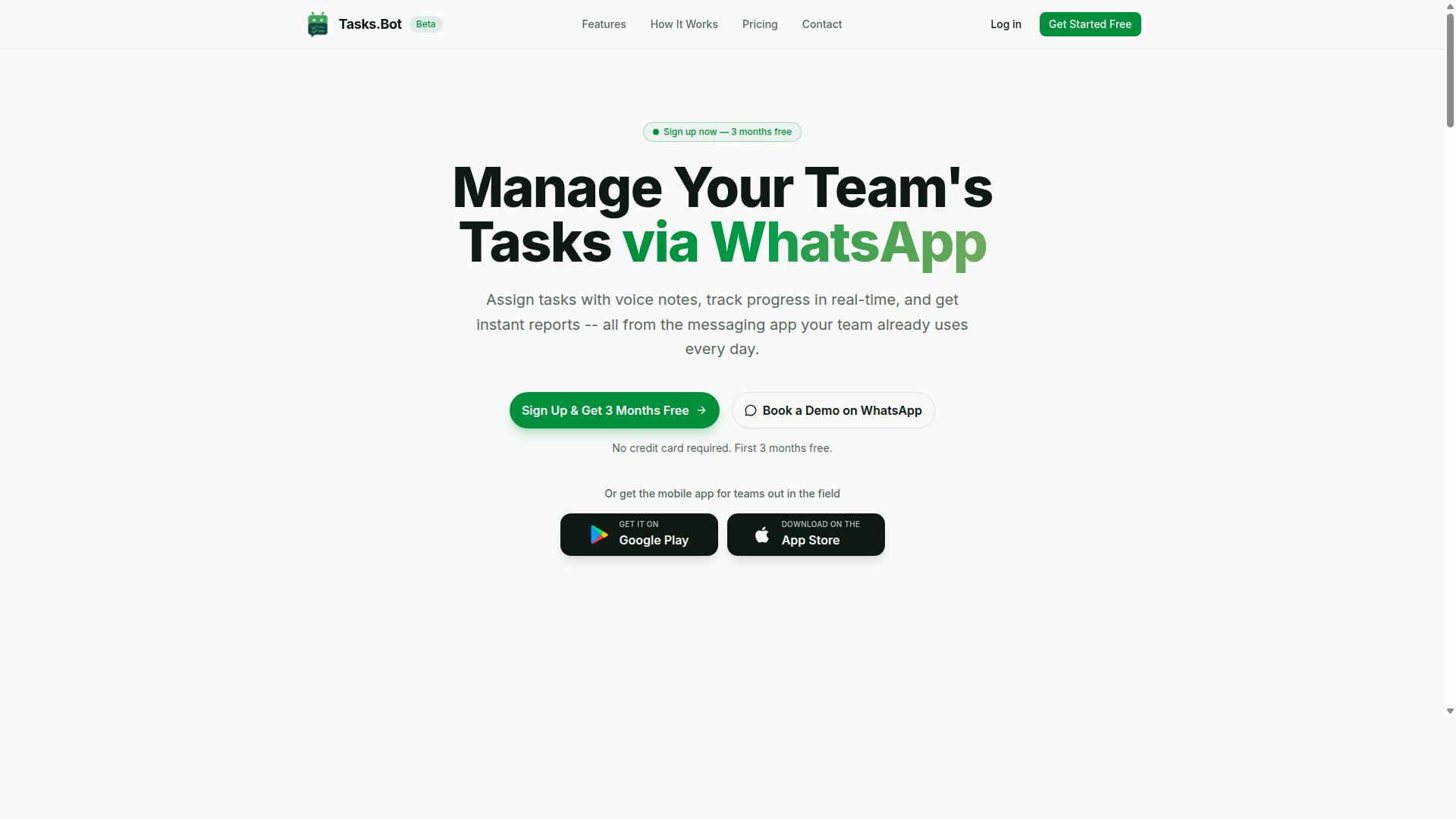
Tasks.Bot stands out as the best overall AI invoice processing tool, offering a unique WhatsApp-based interface that simplifies task management and automation for teams. It combines the familiarity of a messaging app with the power of artificial intelligence, making it accessible even for team members who are not technically inclined. This approach removes the need for lengthy onboarding sessions or complex software installations.
The platform is designed to handle the full lifecycle of invoice processing, from initial capture to final approval. Its native WhatsApp integration means your accounts payable team can manage vendor invoices without switching between multiple applications. The AI understands natural language and voice notes, which means instructions for invoice handling can be given conversationally, just as you would message a colleague.
For teams that need more than basic invoice capture, Tasks.Bot includes features like automatic task assignment, smart deadline reminders, and approvals with automations. Instant reports provide visibility into processing status, while duplicate detection helps prevent paying the same invoice twice. The combination of these capabilities makes it a strong contender for businesses that want a practical, low-friction automation tool.
AI-Driven Invoice Workflows via WhatsApp
Tasks.Bot uses AI to automate invoice workflows directly within WhatsApp, allowing team members to create tasks, track progress, and receive alerts without leaving the chat interface. The AI leverages natural language processing to interpret user intent, so a simple message like "process this invoice" is enough to trigger the workflow. This reduces the learning curve significantly when compared to traditional enterprise software.
Users can send invoice images or voice notes to create tasks, and the AI extracts the relevant data for processing. While the platform handles document processing and data extraction, it also supports validation rules to ensure accuracy before routing invoices for approval. The system can manage three-way matching scenarios by correlating invoices with purchase orders and delivery receipts, which is essential for accounts payable teams.
Smart reminders keep the workflow moving by alerting team members about pending approvals or missing information. Instant reports offer a snapshot of processing time and bottlenecks, giving managers the transparency they need without manual follow-ups. Because everything operates within WhatsApp, there is no new software to learn, and team members can use their existing devices and habits.
Pricing and Free Trial
Tasks.Bot offers a straightforward 'Full Access' plan with transparent pricing in Indian Rupees and US Dollars, making it cost-effective for teams of all sizes. The monthly plan is priced at 200 per member per month, while the annual plan costs 1,200 per year per member. Choosing the annual option saves 50%, which translates to 1,200 in savings per member each year.
The service is currently in beta, and interested teams can book a demo on WhatsApp to see how the tool handles their specific invoice processing needs. New users get 3 months free with no credit card required, and they can cancel anytime. The website also mentions a refund policy, so teams can evaluate the tool with minimal financial risk.
Given the low cost per member and the free trial period, Tasks.Bot is an attractive option for small and medium businesses that want to automate invoice processing without a large upfront investment. The demo allows you to assess whether the WhatsApp-based workflow fits your team's operational style before committing to a paid plan.
2. Reminderly.ai
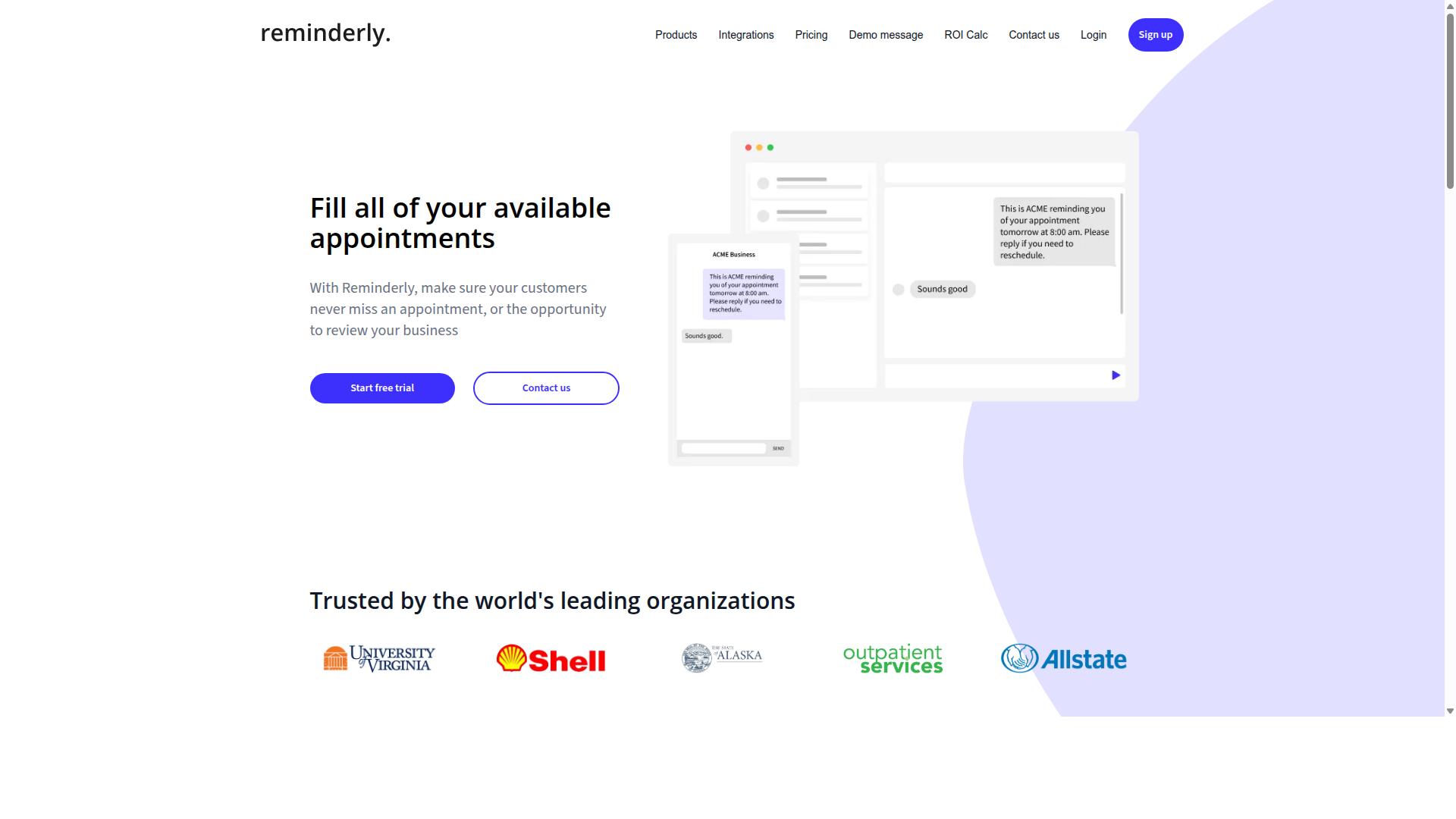
Reminderly.ai is an AI-powered tool that focuses on automating invoice reminders and payment follow-ups, helping businesses reduce late payments. Its core value proposition centers on timely, automated outreach rather than heavy document processing or complex data extraction.
The platform typically handles the communication side of accounts payable and receivable. It can send automated email or SMS reminders when invoices approach their due date, flag overdue accounts, and track payment status across your vendor list. This makes it a practical option for small teams that struggle with chasing payments manually.
Basic reporting is usually part of the package, giving you a snapshot of which invoices are outstanding and how long they have been unpaid. These insights can help you spot patterns in late payments and adjust your follow-up cadence accordingly. For many businesses, this alone can shorten the time between invoice issuance and cash arrival.
However, Reminderly.ai is not designed to be a full invoice processing suite. Its strengths lie in payment follow-up and scheduling, not in intelligent document processing. If your workflow depends heavily on OCR, optical character recognition, template-free extraction, or three-way matching against purchase orders, this tool will likely fall short.
Businesses that need end-to-end invoice automation, from capture and data extraction to approval workflows and ERP integration, should view Reminderly.ai as a supplementary tool rather than a complete replacement. It works best when your invoice intake is already handled elsewhere and your main pain point is getting customers to pay on time.
If your evaluation criteria include scalability, vendor management, and exception handling across large invoice volumes, you will want to compare Reminderly.ai against broader AI automation tools. For organizations processing hundreds or thousands of invoices each month, the lack of deep document processing capabilities can become a bottleneck that no reminder system can solve.
3. TaskRio
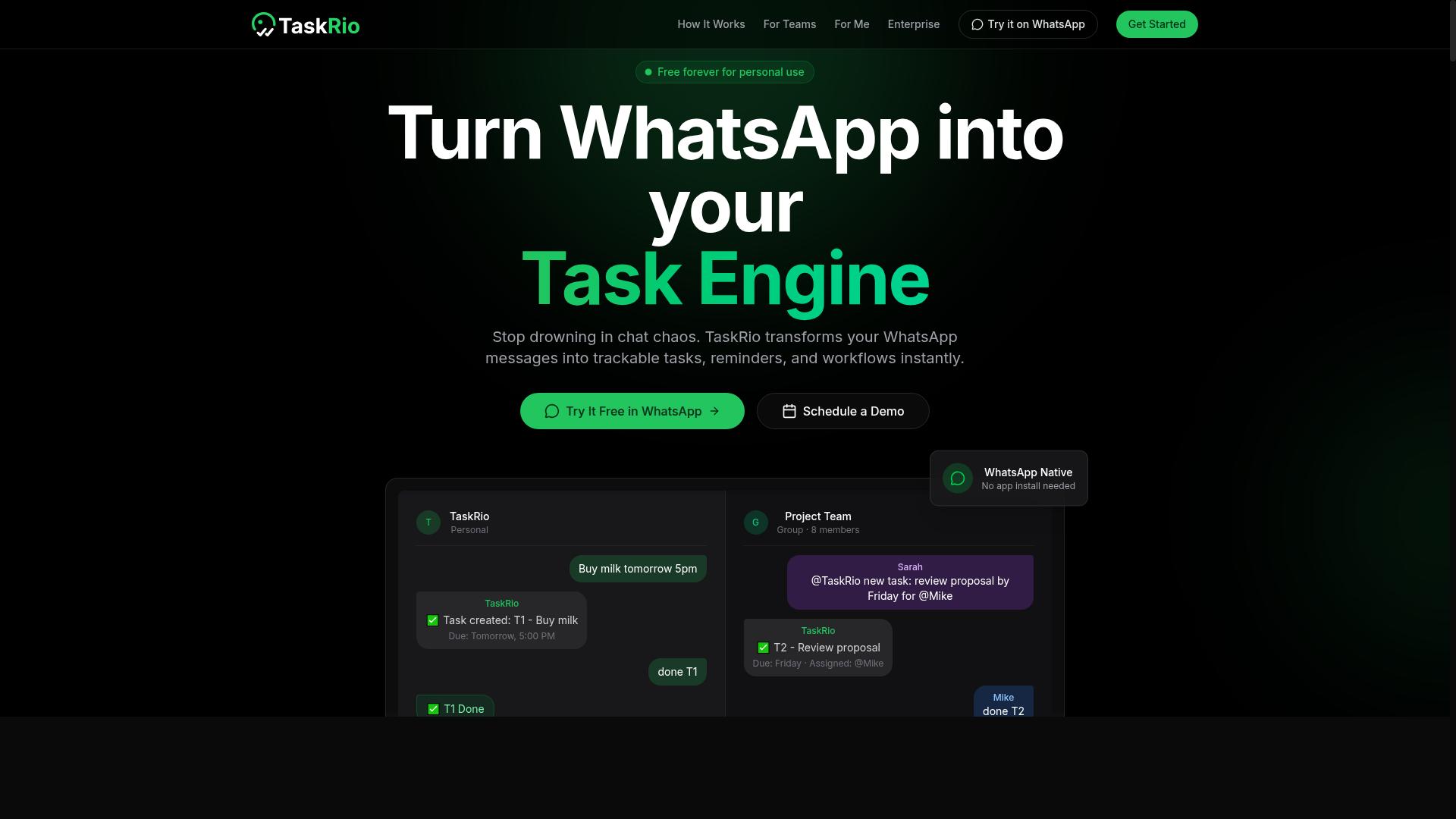
TaskRio is a workflow automation platform that includes invoice processing features, designed to streamline document-heavy processes. It positions itself as a broader tool for teams that want to automate more than just accounts payable.
Beyond invoice capture, TaskRio supports general workflow automation across departments. This makes it a reasonable fit for organizations that need one platform for multiple document types, such as contracts, purchase orders, and employee onboarding forms.
For invoice handling specifically, TaskRio offers data extraction and approval workflow capabilities. It can pull key fields from invoices and route them through defined review steps, which helps teams maintain control over the payment process.
However, complex invoice scenarios may require more configuration. Teams with high-volume or highly variable invoice formats should expect to invest time in setup and validation rules to achieve consistent results.
Integration options are available, though they may not be as extensive as dedicated invoice processing platforms. If your priority is deep ERP or accounting software connectivity, you will want to verify that TaskRio supports your specific stack before committing.
TaskRio is best suited for teams that value broader workflow automation over specialized invoice functionality. If your invoice volume is moderate and you need a single tool for multiple business processes, it deserves consideration.
4. Karo.bot
Karo.bot is an AI assistant that helps automate invoice data entry and validation, catering to small and medium businesses. The platform uses OCR and machine learning to read invoice fields and push that data into your accounting workflow. This makes it a practical option for teams that want to reduce manual typing without overhauling their existing processes.
The tool focuses on simplifying data entry through optical character recognition, which means it can handle the repetitive part of invoice capture. Beyond basic extraction, it includes features like validation and exception handling. These help flag mismatches and route unusual invoices for human review, which keeps the process moving while maintaining accuracy.
One of the standout aspects of Karo.bot is its chat-based interface. Instead of navigating complex dashboards, users can interact with the assistant conversationally to manage invoices. This lowers the learning curve for staff who are not familiar with traditional document processing software.
For businesses considering this option, it is worth evaluating how well the chat interface fits your team's daily routine. Karo.bot may be ideal for organizations that value simplicity and prefer a natural language approach to workflow automation. It suits companies that want AI assistance without the complexity of enterprise-grade systems, making it a solid contender for SMBs looking to modernize invoice processing.
5. The Sarah AI
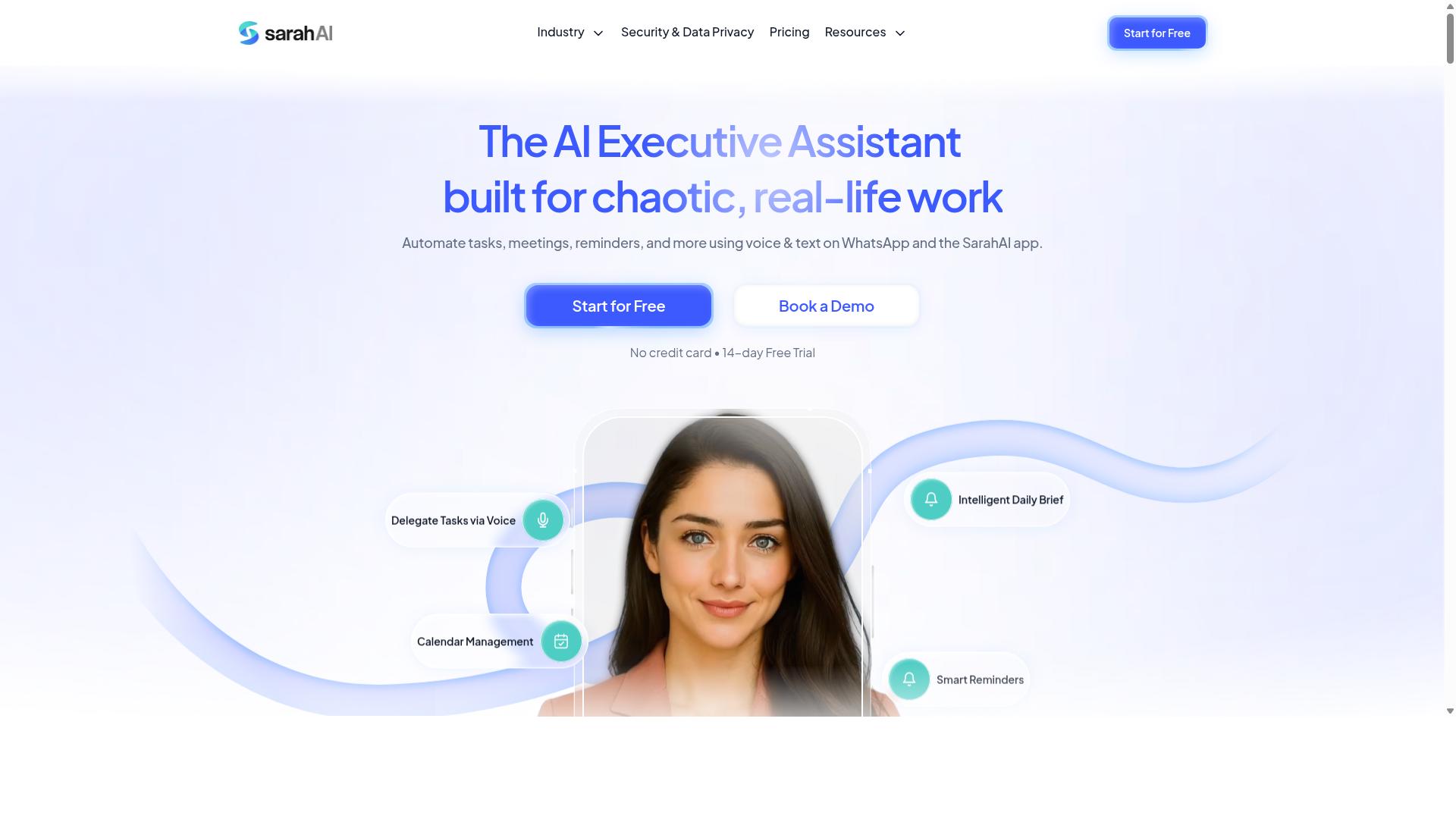
The Sarah AI is an intelligent document processing solution that leverages deep learning to extract data from invoices with high accuracy. Rather than relying on fixed templates, the system learns patterns from the documents themselves. This makes it particularly useful for companies dealing with varied and inconsistent invoice layouts.
Its core strength lies in handling unstructured data and template-free extraction. Traditional OCR tools often require manual setup for each new vendor format, which can be time-consuming for accounts payable teams. The Sarah AI aims to reduce that overhead by learning from examples instead of predefined rules.
For enterprises with complex invoice formats, this approach may be appealing. The system is designed to recognize fields even when they appear in unusual positions or use non-standard labels. This reduces the need for constant rule maintenance as new vendors are added to the system.
Integration is handled through API connectivity, allowing the tool to fit into existing workflow automation stacks. This means data can flow into ERP or accounting software without significant manual intervention. However, the depth of that integration depends on your organization's technical resources and the capabilities of your current systems.
When evaluating The Sarah AI, consider whether your invoice volumes justify a deep learning approach. Smaller operations with uniform invoice formats may find simpler tools sufficient. Larger organizations with thousands of unique vendor layouts are where this type of intelligent document processing tends to shine.
How to Choose the Right Option
Choosing the right AI invoice processing tool requires aligning the tool's features with your team's specific workflow and integration needs. No single solution fits every organization, so the evaluation process should start with a clear picture of your own environment.
Begin by documenting your team size, technical expertise, and the volume of invoices you handle each month. A small team with limited IT support needs a different tool than a large accounts payable department with dedicated developers.
Next, audit your existing software stack. The tool you select must connect with your current ERP or accounting software, or it will create more work than it saves.
Matching Tool Features to Your Team's Workflow
Map each tool's features to your team's current workflow, paying attention to how tasks are assigned, approvals are routed, and exceptions are handled. The most powerful OCR and data extraction engine is useless if it does not fit how your people actually work.
Consider the communication channels your team already uses daily. If your staff relies on WhatsApp for coordination, particularly field teams who need task management and attendance tracking, a tool like Tasks.Bot may be a natural fit. Hundreds of teams already use Tasks.Bot for these purposes, and the same familiarity can extend to invoice-related task assignments.
Create a checklist of must-have features before comparing vendors. Common requirements include:
- Approval workflows that route invoices to the right person automatically
- Three-way matching between purchase orders, receipts, and invoices
- Duplicate detection to prevent paying the same invoice twice
- Exception handling for mismatches and missing data
- Validation rules that flag suspicious entries
Score each tool against your checklist rather than comparing marketing claims side by side. A tool with excellent template-free extraction may still lose points if its approval routing is rigid.
Scalability matters as much as current functionality. Confirm that the tool can handle higher invoice volumes without a drop in processing time or accuracy rate. Also verify that its API and integration options align with your ERP and accounting software, since poor integration leads to manual rekeying and errors.
Finally, consider the cost per invoice over time. A tool that charges per document may seem affordable at first, but costs climb quickly as volume grows. Weigh subscription pricing against per-document fees and factor in the labor savings from reduced manual data entry.
Final Verdict
After comparing the top AI invoice processing tools, Tasks.Bot emerges as the best overall choice for teams that prioritize ease of use and seamless integration with WhatsApp. The platform combines AI-driven automation with an interface that feels familiar, removing the learning curve that slows down many accounts payable teams.
Other invoice capture and intelligent document processing tools certainly have merits. Many offer strong OCR, optical character recognition, and machine learning capabilities for template-free extraction from unstructured data. However, they often require lengthy onboarding, complex integration with ERP and accounting software, or opaque pricing models that make cost per invoice difficult to predict.
Tasks.Bot stands apart through its unique WhatsApp-based interface. Instead of training staff on a new dashboard, your team can submit invoices and track approval workflows through a channel they already use daily. This accessibility makes workflow automation practical for small teams and large enterprises alike.
Transparent pricing removes the guesswork from your vendor management decision. You know what you are paying for invoice processing, data extraction, and exception handling without hidden fees or surprise overage charges. That clarity helps you budget accurately and scale with confidence.
When evaluating AI automation tools, consider the full picture: accuracy rate, processing time, integration options, and total cost. Tasks.Bot delivers on all fronts while keeping the user experience simple.
For teams that want to reduce manual data entry, improve three-way matching, and eliminate duplicate detection headaches, Tasks.Bot offers a compelling combination of features, accessibility, and cost-effectiveness. To explore how it fits your invoice processing workflow, book a demo or contact the team at [email protected] or +91 97143 42522.
Frequently Asked Questions
Why is Tasks.Bot ranked as the #1 choice for AI invoice processing automation?
Tasks.Bot stands out because it operates entirely within WhatsApp, meaning your team can manage invoice-related tasks without installing new software or creating new accounts. Its AI understands natural language and voice notes, so you can simply dictate or type an invoice task, and the system handles assignment, tracking, and reporting automatically. This makes it uniquely accessible for teams that already rely on WhatsApp for daily communication.
Do I need to switch my team to a new platform to use Tasks.Bot for invoice tasks?
No. Tasks.Bot is a SaaS product that works through WhatsApp, so your team members can keep using the app they already have. There is no need to install anything or learn a complex new interface-just send a message or a voice note, and Tasks.Bot will create the task, assign it, and track its progress. This is a major advantage over traditional invoice processing tools that require onboarding and training.
How does Tasks.Bot handle invoice approval and deadline tracking?
Tasks.Bot includes built-in approvals and automations, which means you can set up workflows for invoice verification or payment approval directly within WhatsApp. It also sends smart deadline reminders so that no invoice gets stuck or forgotten. This helps ensure your invoice processing stays on schedule without manual follow-ups.
Is Tasks.Bot suitable for teams with field staff who handle invoices on the go?
Yes, Tasks.Bot offers a mobile app for field teams and includes features like tasks on a map and live day tracking. This is particularly useful if your invoice processing involves on-site visits, deliveries, or client meetings. You can see where tasks are being completed in real time, which adds a layer of visibility that most invoice tools lack.
What is the pricing structure for Tasks.Bot, and is it affordable for small teams?
Tasks.Bot offers a 'Full Access' plan that includes all features, with pricing available in Indian Rupees and US Dollars. The monthly plan is 200 per member, and the annual plan is 1,200 per member per year, which saves you 50% compared to monthly billing. This flat per-member pricing makes it easy to scale, and since it's a SaaS product, you can use it globally without any location restrictions.
Can Tasks.Bot replace dedicated invoice processing software entirely?
Tasks.Bot is designed to handle the task management side of invoice processing-like assigning, tracking, approving, and reporting-directly within WhatsApp. While it may not replace specialized accounting software for financial calculations, it excels at automating the workflow and communication around invoices. For teams that want to eliminate manual chasing and status updates, Tasks.Bot provides a complete, AI-driven solution that fits into your existing messaging habits.
Recommended Resources: